


Windows 10 Tip: Emoji 12 🎉✨🎊

Editor’s note: We’re back with the summer batch of weekly Windows 10 tips posts, which highlight some of the many helpful features that come with the Windows 10 May 2019 Update. We’ve been working hard behind the scenes to make your daily life easier with a streamlined update process, as well as clean and simple experiences for your desktop.
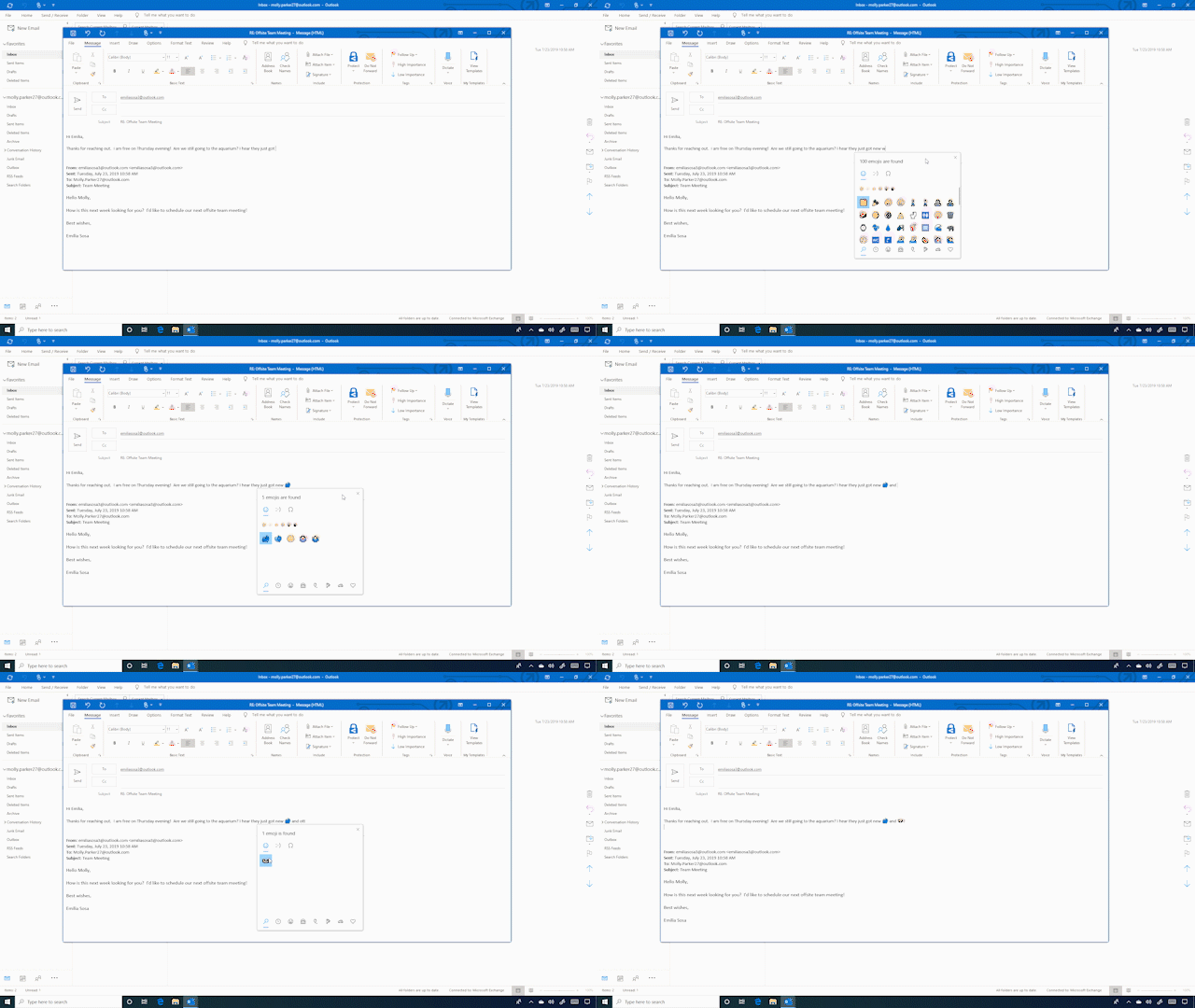
In early February, Unicode finalized the set of emoji to be included with Emoji 12.0. With the May build, when you press WIN+(period) or WIN+(semicolon), all of these emoji now have keywords linked to them to make them more searchable, so you can try it once you install the build. Keywords include otter, sloth, waffle, ballet shoes and more.
The new emoji’s expansion into the animal kingdom also includes orangutans and flamingos. Foodies can now pop in 🧈 (butter), 🧄 (garlic), 🧅 (onion), 
The release of Emoji version 12.0 aims to better represent people with disabilities. You’ll now see mechanical limbs, sign language and hearing aids; as well as manual and motorized wheelchairs and two different versions of service animals.
There are also many new emojis that represent different combinations of relationships and skin tones. There are now five skin tones as well as nearly 70 different possible combinations of the “People holding hands” emoji.
Check it out in action:
If you like this, check out more Windows 10 Tips.
The post Windows 10 Tip: Emoji 12 🎉✨🎊 appeared first on Windows Blog.
Source: Windows 10 Tip: Emoji 12 🎉✨🎊


