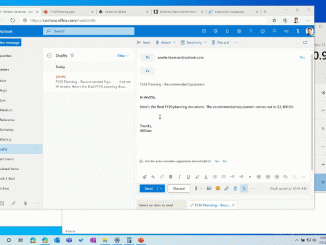
Multitasking improvements in Windows 10 and Microsoft Edge
Multitasking improvements in Windows 10 and Microsoft Edge Web browsing doesn’t happen in isolation, and users frequently multitask between their web browser and other apps using the Taskbar and Alt + Tab. Traditionally, these surfaces have been almost exclusively focused on apps, forcing users to take additional steps to get to the tab they need—until now. With the latest Insider versions of Windows 10 and Microsoft Edge, your tabs now appear in Alt + Tab, allowing you to quickly switch between both apps and sites. You can also easily access the tabs for your most important sites directly on the Taskbar. The changes are just the first of many designed to make you more productive and save you time while multitasking. Browser tabs in Alt + Tab Have you ever tried to use the Alt + Tab keyboard shortcut only [ more… ]