Target Surface Hub and Windows 10 S on a Snapdragon processor with your UWP apps
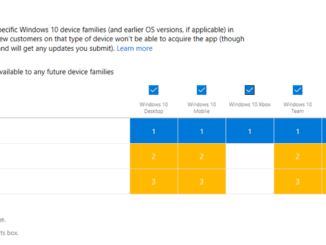
Target Surface Hub and Windows 10 S on a Snapdragon processor with your UWP apps When submitting your UWP app or game to Microsoft Store through Dev Center, you have the flexibility to choose the device families on which customers can acquire your app. By default, we make your app or game available to all device families which can run it (except for Xbox, which you can opt into as appropriate if your packages support it). This lets your apps and games reach the most potential customers. Recently, we’ve added new options that let you offer your submission to customers on Surface Hub. You can now also offer ARM packages to Windows 10 S on a Snapdragon processor (Always Connected PCs). To target Surface Hub when submitting your UWP app to the Microsoft Store, simply ensure that the box for [ more… ]