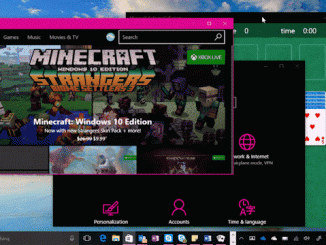
Windows 10 Tip: Six keyboard shortcuts to help you work faster
Windows 10 Tip: Six keyboard shortcuts to help you work faster You can check out the full list of keyboard shortcuts here, but here are six to help you get started working faster and smarter: Minimize all your open windows with Windows key + M Snap one window to exactly half of your screen with Windows key + either of the side arrow keys, and magically snap a second window side-by-side for easy multitasking. Need one more window? Press Windows key + the “up” arrow to snap a third. Open Cortana* in listening (voice-command) mode with Windows key + Shift + C Open Settings with Windows Key + I Open the first item you have pinned on the Taskbar with Windows Key + T, then use arrow keys to move between other pinned apps Open the Action Center to [ more… ]