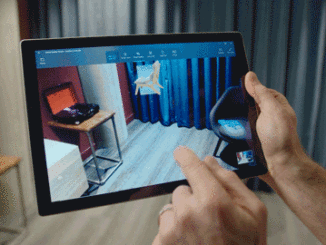
Windows 10 Tip: How to start creating in Paint 3D
Windows 10 Tip: How to start creating in Paint 3D Paint 3D is a built-in creative application that comes free with Windows 10*. You don’t need any design experience – Paint 3D makes it easy to customize models from the built-in 3D library or create 3D designs from scratch. Here’s a couple of tips for how you can get started quickly in creating in 3D. How to edit a 3D model The easiest way to get started is to start by searching our 3D library** for a model to edit and customize. Simply click on 3D Library and browse through our staff picks of top models or type in the search bar a model you are looking for. Click on the tile to import the 3D model into your project. You now have a fully rotatable 3D model that you [ more… ]